

Overview
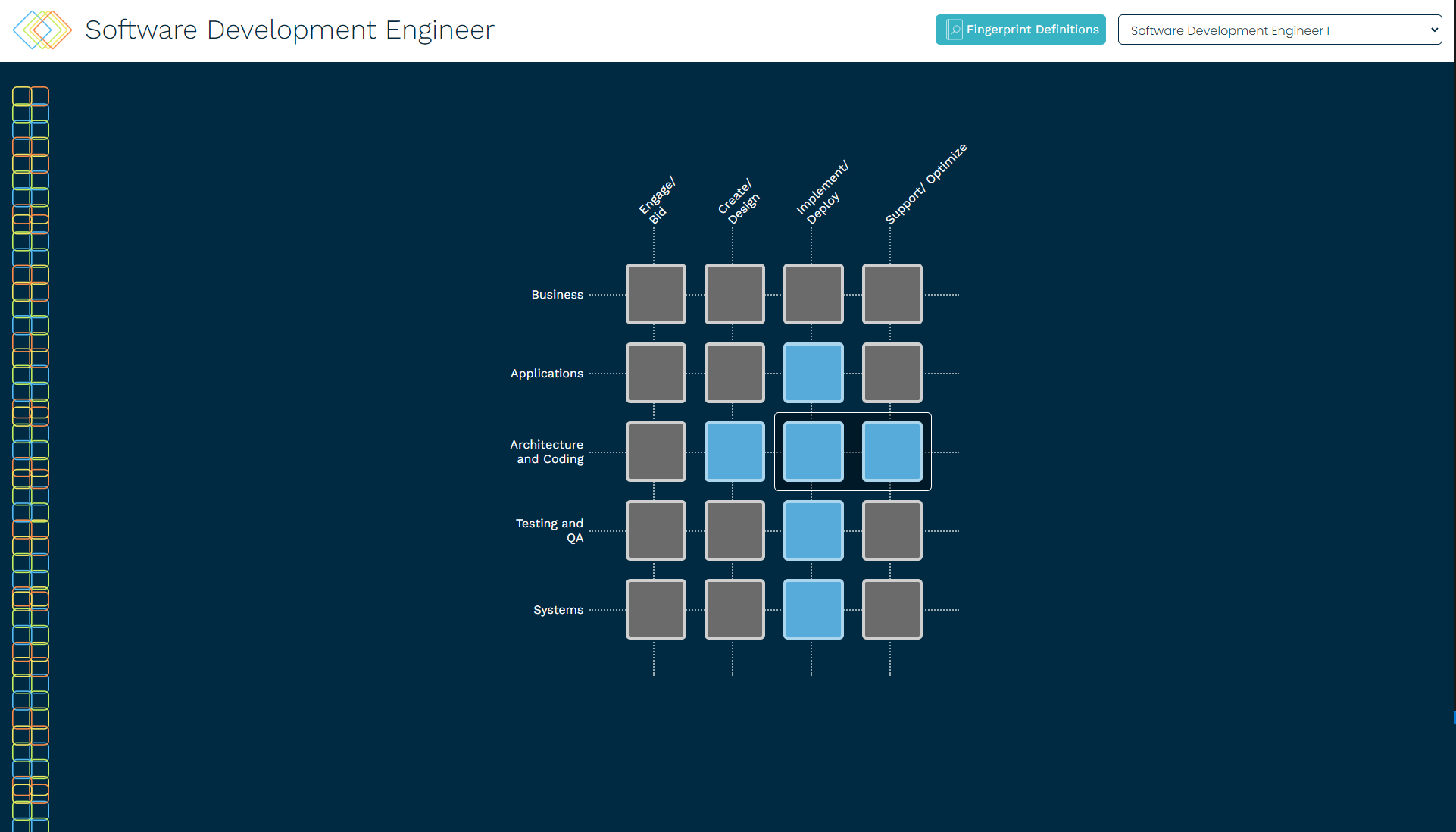
The Career Lattice Viewer was the most extensive project I worked on during my Esri internship. The project is an inner-source tool developed by Esri Professional Services that helps employees track their career development in accordance with the “Career Lattice” developed by Esri HR. This web app is built in React and Node.js and was in development for about a year. I was brought on to wrap up remaining tasks and implement remaining features on the app to prepare for its release August 2023.
The following is an overview on the work I contributed to the app:
✤ Implement responsive design
✤ Create page animations via styled-components
✤ Refresh details panel as another lattice is selected
✤ Implement auto-scroll and highlight functionality
✤ Deploy to GitHub Pages via Actions workflow
✤ Fix styling bugs (extra scroll bars, element overlap, inconsistent sizing, etc)
✤ Implement “About” modal which dynamically updates from README
✤ Create a color legend popover
✤ Update “focus area” JSON data
✤ Design README Banner & additional icons
✤ Implement responsive design
✤ Create page animations via styled-components
✤ Refresh details panel as another lattice is selected
✤ Implement auto-scroll and highlight functionality
✤ Deploy to GitHub Pages via Actions workflow
✤ Fix styling bugs (extra scroll bars, element overlap, inconsistent sizing, etc)
✤ Implement “About” modal which dynamically updates from README
✤ Create a color legend popover
✤ Update “focus area” JSON data
✤ Design README Banner & additional icons
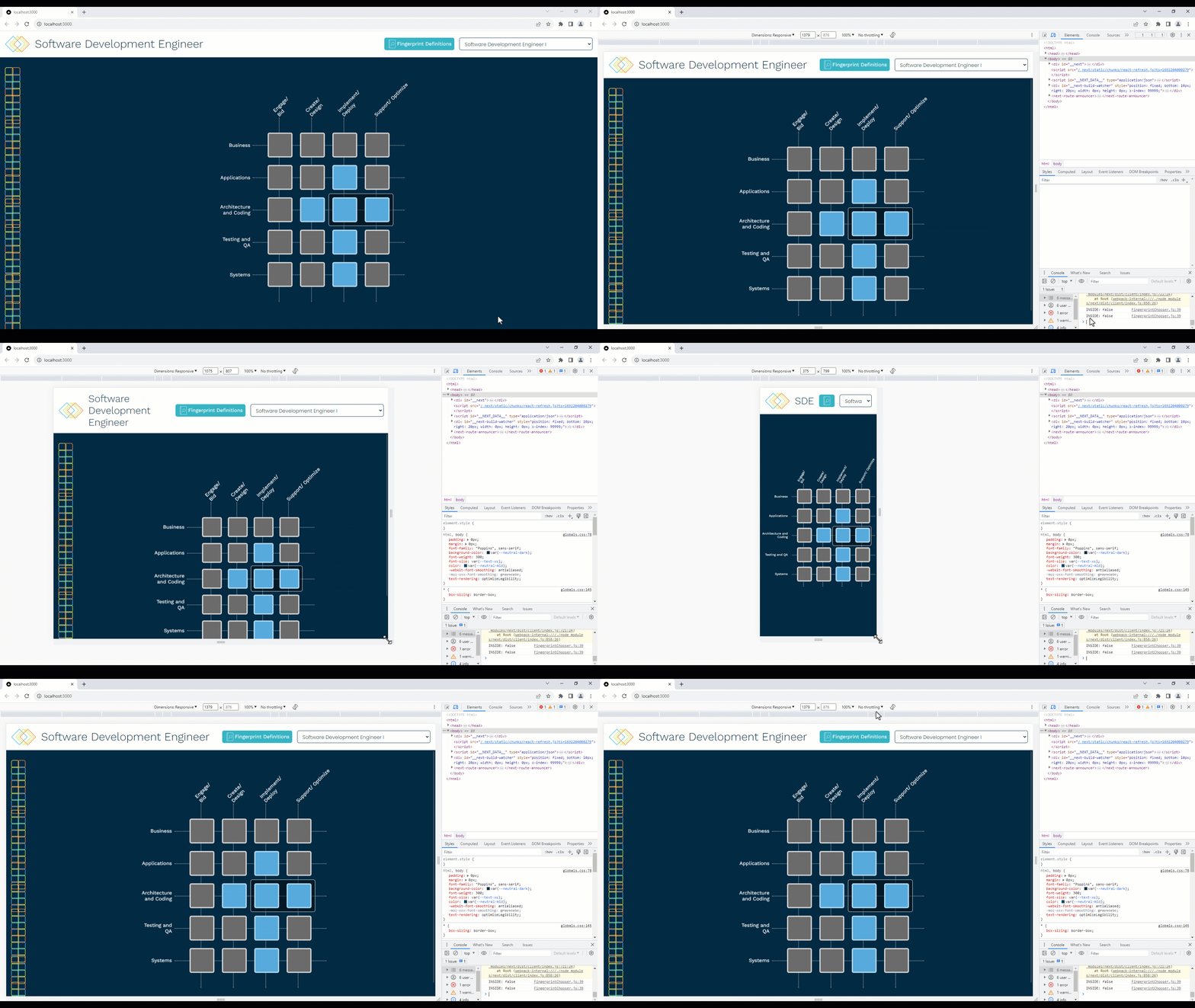
Responsive Design
Responsive design means designing a display to be compatible with many different screen sizes, such as mobile, tablet, and desktop. I used Chrome DevTools to help simulate different screen sizes and design how components should appear accordingly. I media queried for screen size in the CSS and would shrink down, change layout, abbreviate, or completely hide different elements to streamline the new design.
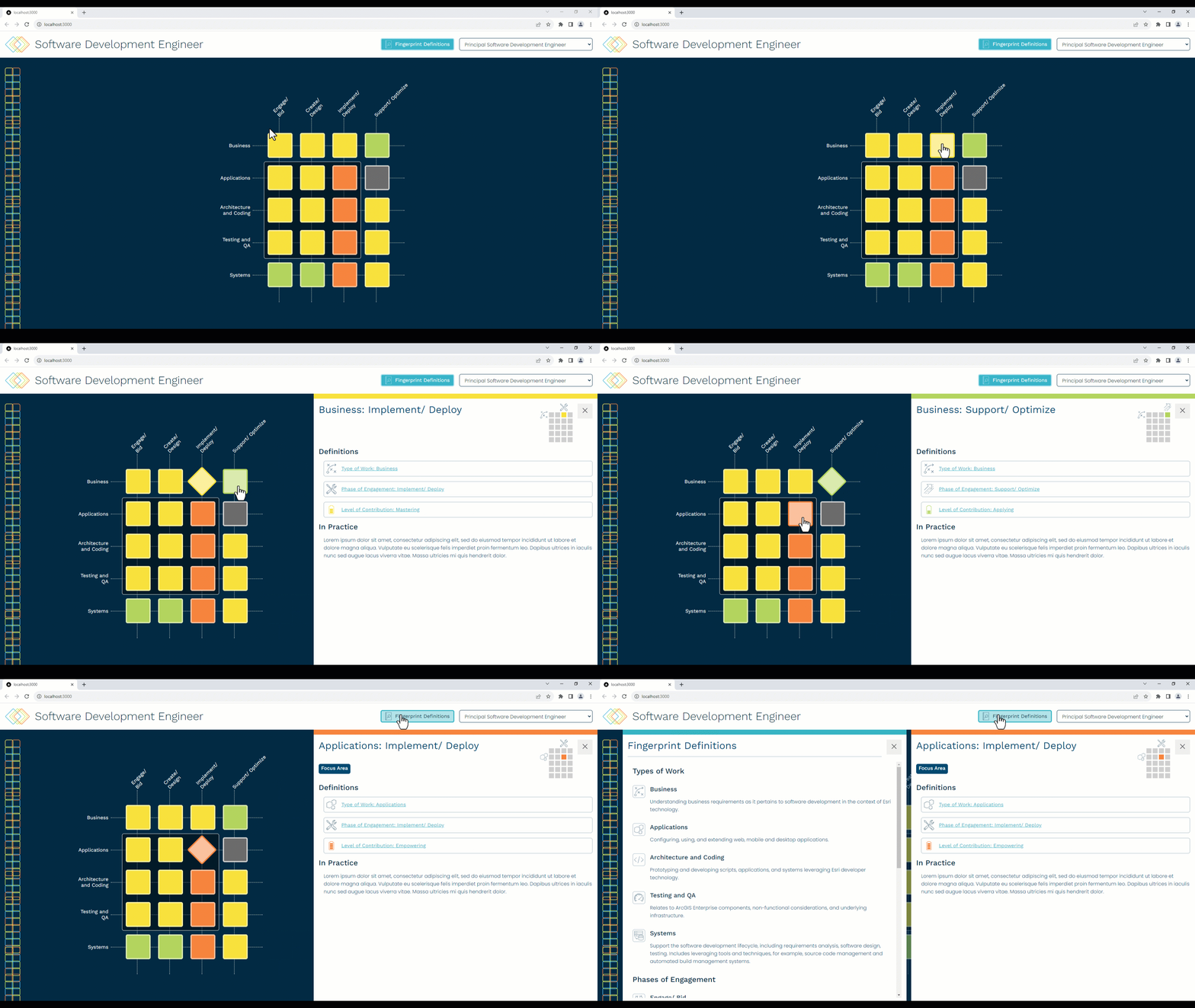
Animations
About 2 months into the development process, we held a UI/UX critique for the current state of the Career Lattice Viewer where we were able to get a lot of helpful feedback. One of the main critiques was that the app felt a little clunky/jumpy. Animations solve this by not only making the UI expressive and visually appealing, but by also emphasize the element actions and relationships (parent and child, active and inactive, etc).
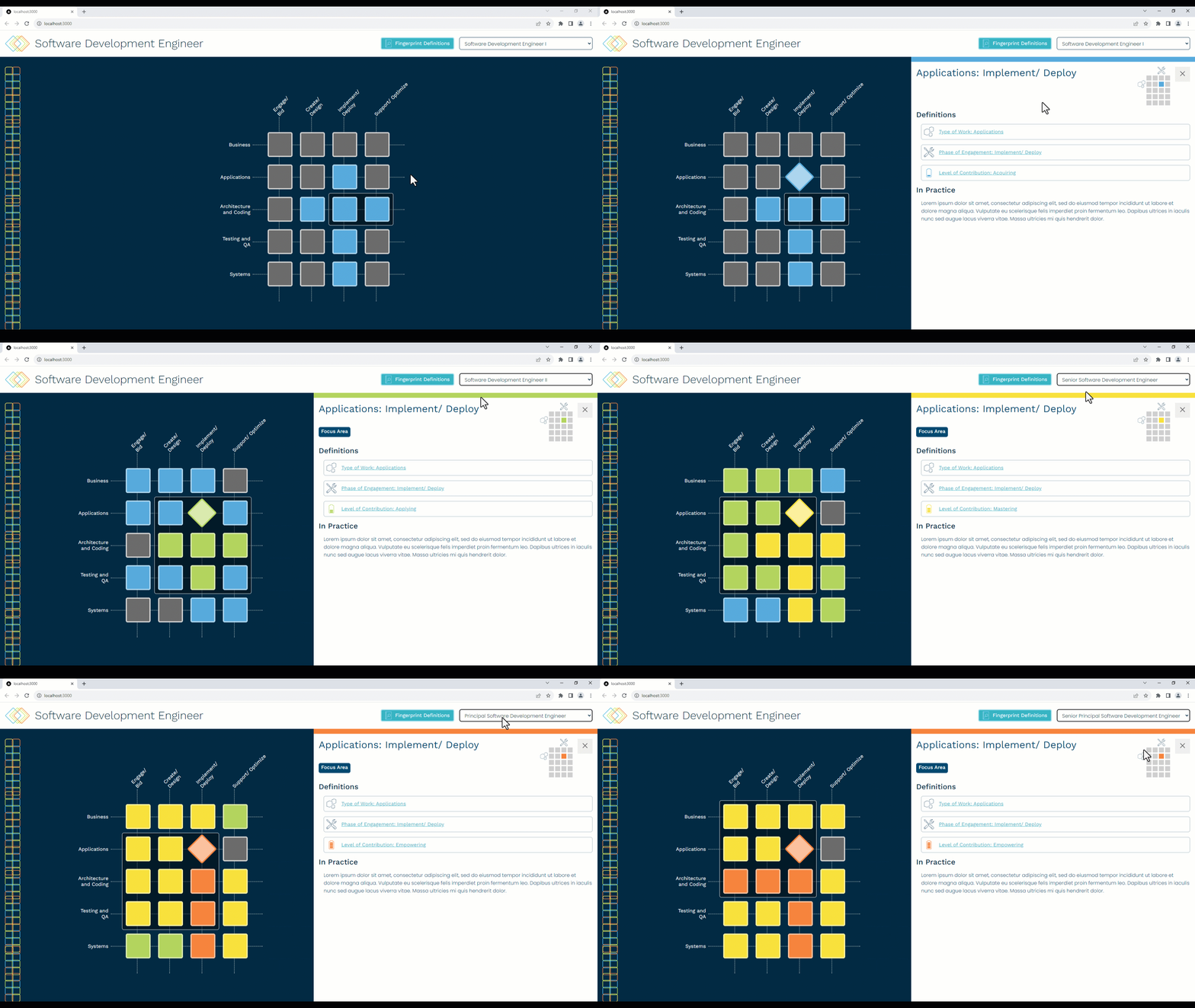
Refresh Panel
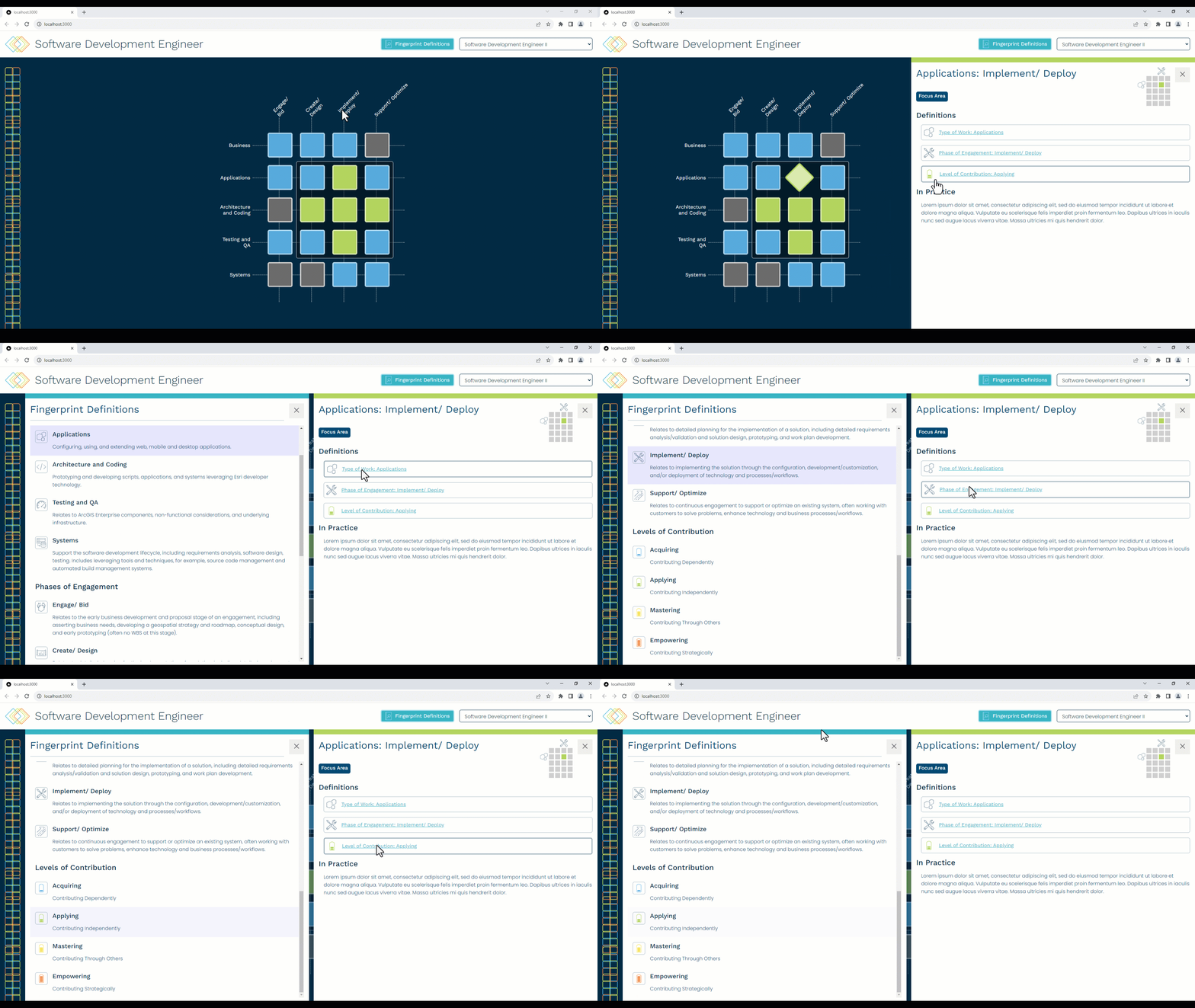
The existing bug was that the state of the app would not update correctly. When a user had a tile selected, the details panel would fail to refresh to the new tile when the user used the dropdown to select a new lattice. I debugged using Chrome DevTools, which helped me understand how the React components were wired together, and which variables affected the app’s updating state.
Auto-scroll & Highlight
There was already code wiring the auto-scrolling, which I applied to the remaining elements. To implement the highlight, I created a global CSS animation and applied it to a class. On the same event that triggers the auto-scrolling, I added then removed the highlight class from the desired element using setTimeout().
GitHub Deployment
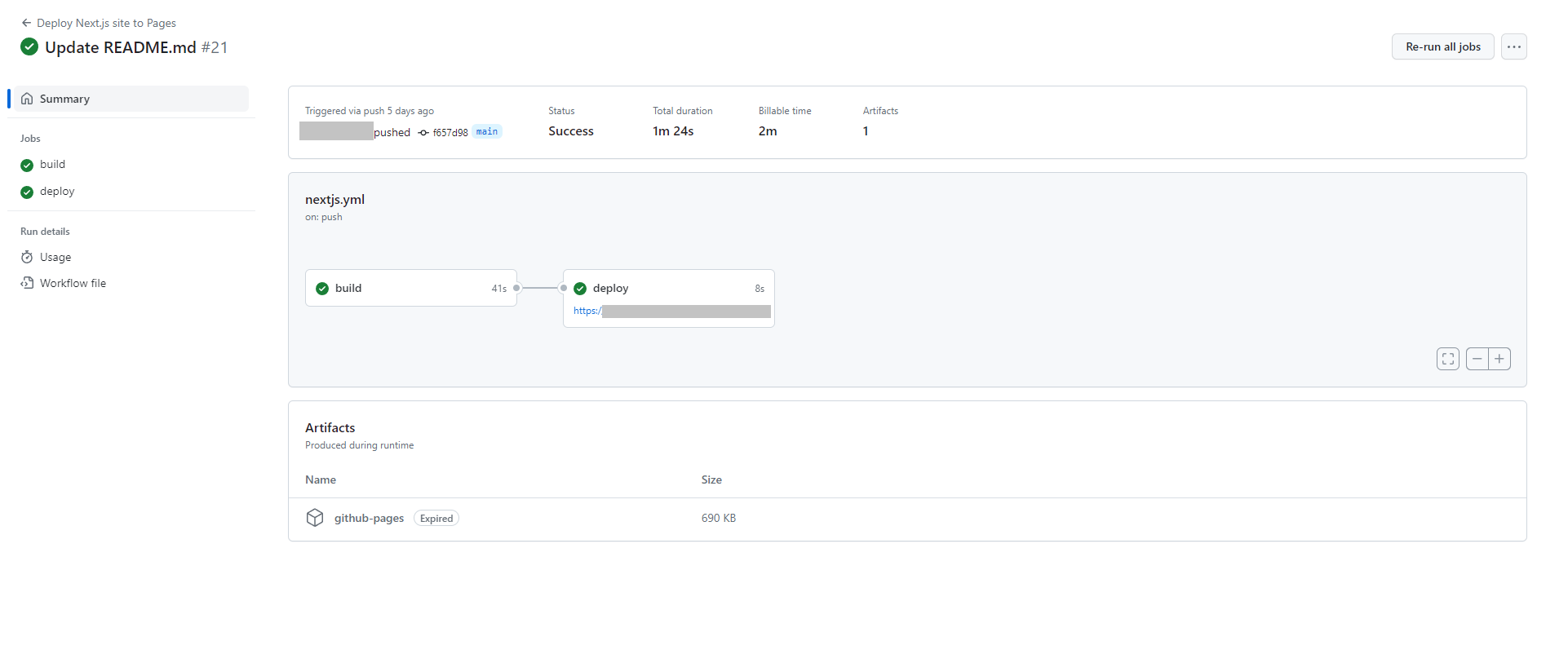
Since the Career Lattice Viewer is deployed via GitHub pages, the team wanted it to automatically update and reflect pushes to the main branch. I created a Workflow through GitHub Actions to automate the GitHub pages deployment. The generated .yml file automated this workflow trigged by “Push on main.”
Graphic Design
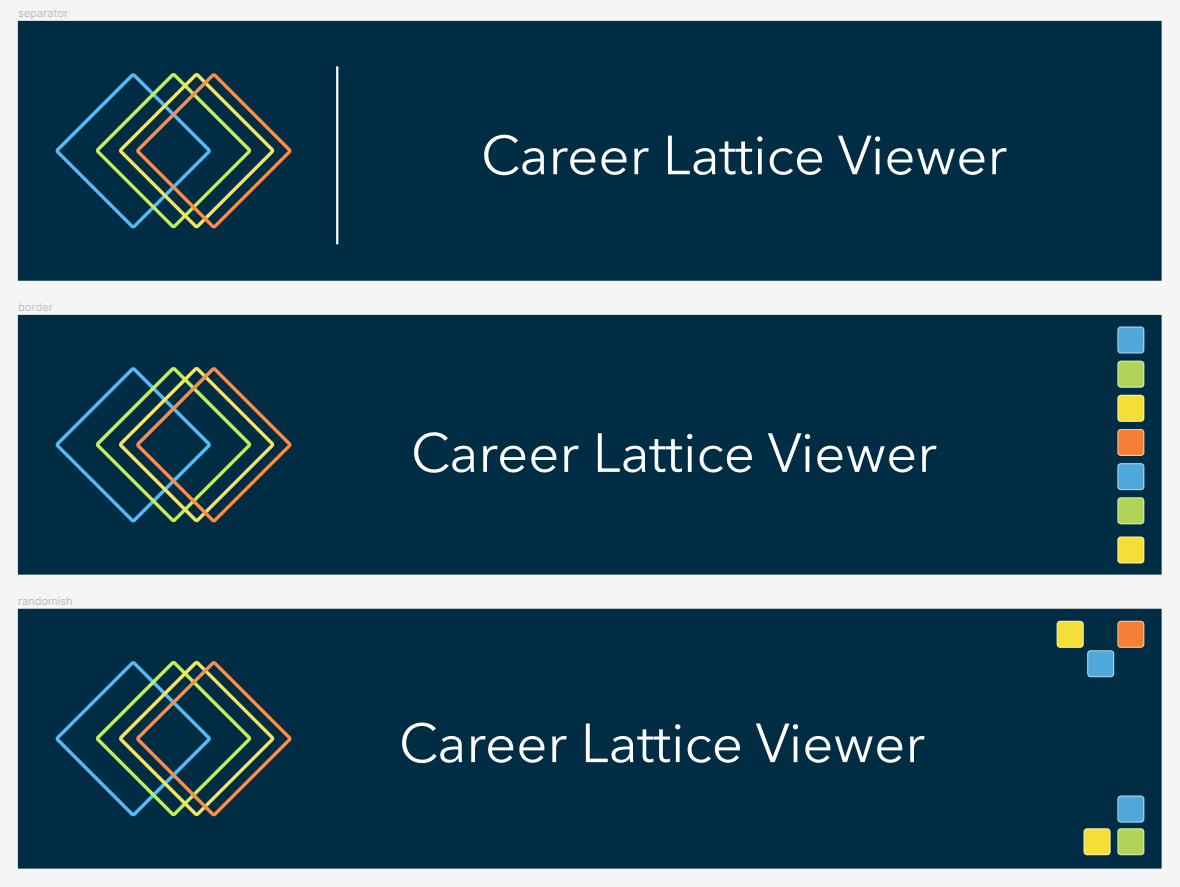
Aside from development, I had some creative input in the app’s graphics. The following are design iterations I made for the Career Lattice Viewer. The last one in each series ended up being the implemented design.


Special thanks to Lillie Bahrami and Josh Peterson!